For Schools · Grades 3–8 · No teaching experience with Arduino needed

Real Arduino Engineering.
Built for the Classroom.

KidsCode gives your teachers a ready-to-run curriculum: story-driven Arduino missions, hands-on circuit building, and a step-by-step block coding environment — with a teacher dashboard to assign, track, and manage every class.

🧑‍🏫

Teacher Dashboard

Create classes, add students, and assign missions in a few clicks. Teachers see class-wide progress at a glance — no grading circuits by hand.

📚

Curriculum-Ready Missions

19 progressive Arduino projects, from a first blinking LED to multi-sensor builds. Each one is scaffolded, story-driven, and ready to assign as-is.

🔒

Classroom-Safe by Design

Students get a focused assignment queue, not a social feed. No chat, no public profiles — just the next mission their teacher assigned.

Try the block builder — right now

This is exactly what your students will see. Drag a block into the highlighted slot, then click Complete Step.

Loading builder…
🔌 Your Circuit
💡 What Your Code Does
Your circuit is ready! 🔌

How it works for schools

From first conversation to a class full of blinking circuits.

1

Talk to us

Tell us about your school — grade levels, number of teachers, timeline. We'll put together a plan and pricing.

2

We set up your school

We create your school's account and teacher seats, and get your first administrator logged in.

3

Teachers build their classes

Teachers add students, assign missions from the dashboard, and track progress class-wide.

4

Students build & code

Students wire real circuits and write real Arduino code, in class or at home — no software to install.

A growing library of projects. A full year of curriculum.

Each mission builds on the last — from a first blinking LED to multi-sensor adventures.

Lights On
💡 Lights On
Students' very first circuit. Wire an LED to the Arduino and write the code that turns it on.

Spy Vault
⚡ Spy Vault
Build a combination lock with real buttons and if-logic. Crack the code or trigger the alarm.

Automatic Night Light
🚨 Automatic Night Light
Add a light sensor. Their circuit detects darkness and responds automatically.
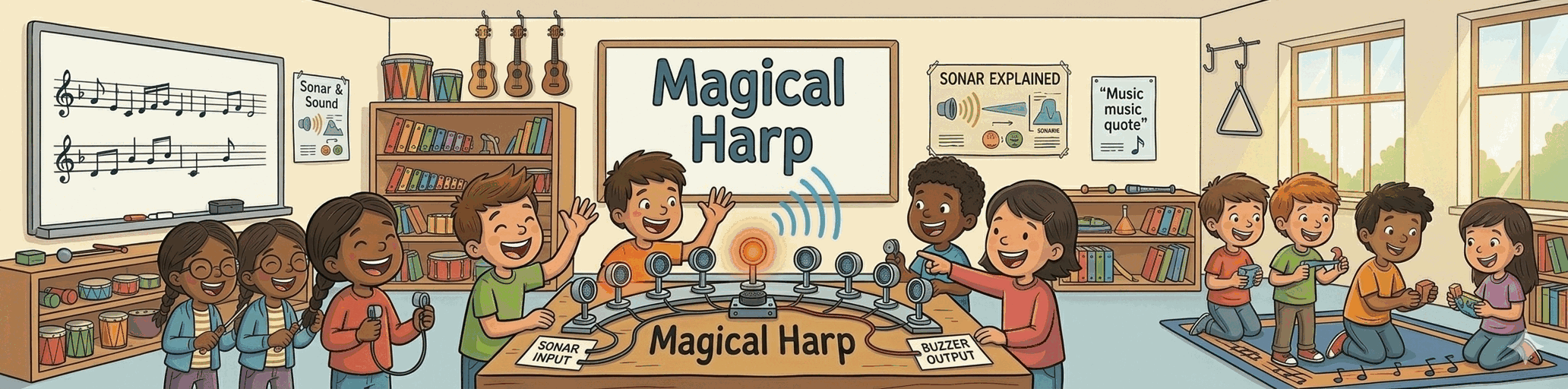
Magical Harp
🎻 Magical Harp
Play music with motion sensors. A multi-part adventure combining servos, sensors, and timing.

Built for students.
Managed by teachers.

KidsCode gives teachers full visibility into every class's progress, while giving students a structured, focused environment to learn real engineering skills at their own pace.

No social features. No distractions.

📊

Teacher Dashboard

See which projects each student has completed, assign the next mission, and manage your whole roster from one place.

🔒

No Social Features

Focused, distraction-free learning. No chat, no feeds, no accounts for students to manage independently.

🌐

Fully Browser-Based

The block builder, lesson guides, and circuit diagrams all run in the browser. No software to install on school machines.

School pricing

Sold in blocks of 5 teacher seats, invoiced annually. We'll work out a plan that fits your school.

Custom pricing for schools

Teacher seats sold in blocks of 5 · Annual invoicing · No per-student fees.

Request a Quote →

Includes every project, the teacher dashboard, and all new lessons as they're added.