KidsCode teaches kids Arduino programming through story-driven missions, hands-on circuit building, and a step-by-step block coding environment that generates real code as you go.
Build actual circuits on a breadboard with an Arduino UNO. LEDs, buttons, buzzers, sensors — real components, real connections, real results.
Drag and drop code blocks into a guided workspace. Real Arduino C++ appears as you build — see the code, don't just write it.
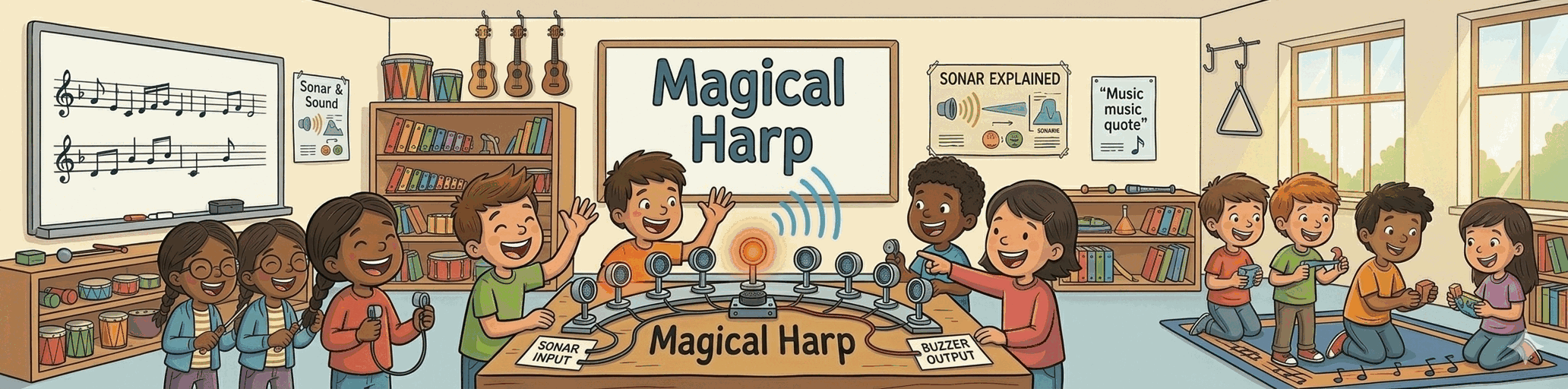
Spy gadgets, dragon alarms, magic harps. Each project is a themed mission that builds real skills — complete it, earn a badge, unlock the next.
Drag a block into the highlighted slot, then click Complete Step to see your circuit react.
From unboxing to a blinking circuit in your first session.
An Arduino UNO, a breadboard, and a handful of components. Affordable and available everywhere.
Follow the step-by-step wiring guide with a clear circuit diagram. No soldering, no guesswork.
Drag blocks in the browser-based editor. Watch real Arduino code appear as you build.
One click sends your code to the Arduino. Watch your circuit come to life — you built that.
Requires Chrome or Edge · Windows 10/11
Each mission builds on the last — from your first blinking LED to multi-sensor adventures.

KidsCode gives parents full visibility into their child's progress — and gives kids a structured, focused environment to learn real engineering skills at their own pace.
No social features. No distractions.
See which projects your child has completed, what skills they've practiced, and badges they've earned.
Focused, distraction-free learning. No chat, no feeds, no accounts for kids to manage independently.
The block builder, lesson guides, and circuit diagrams all run in the browser. No software to install.
One plan. Every project. Cancel anytime.
Includes every project, the parent dashboard, and all new lessons as they're added.